Build your roster
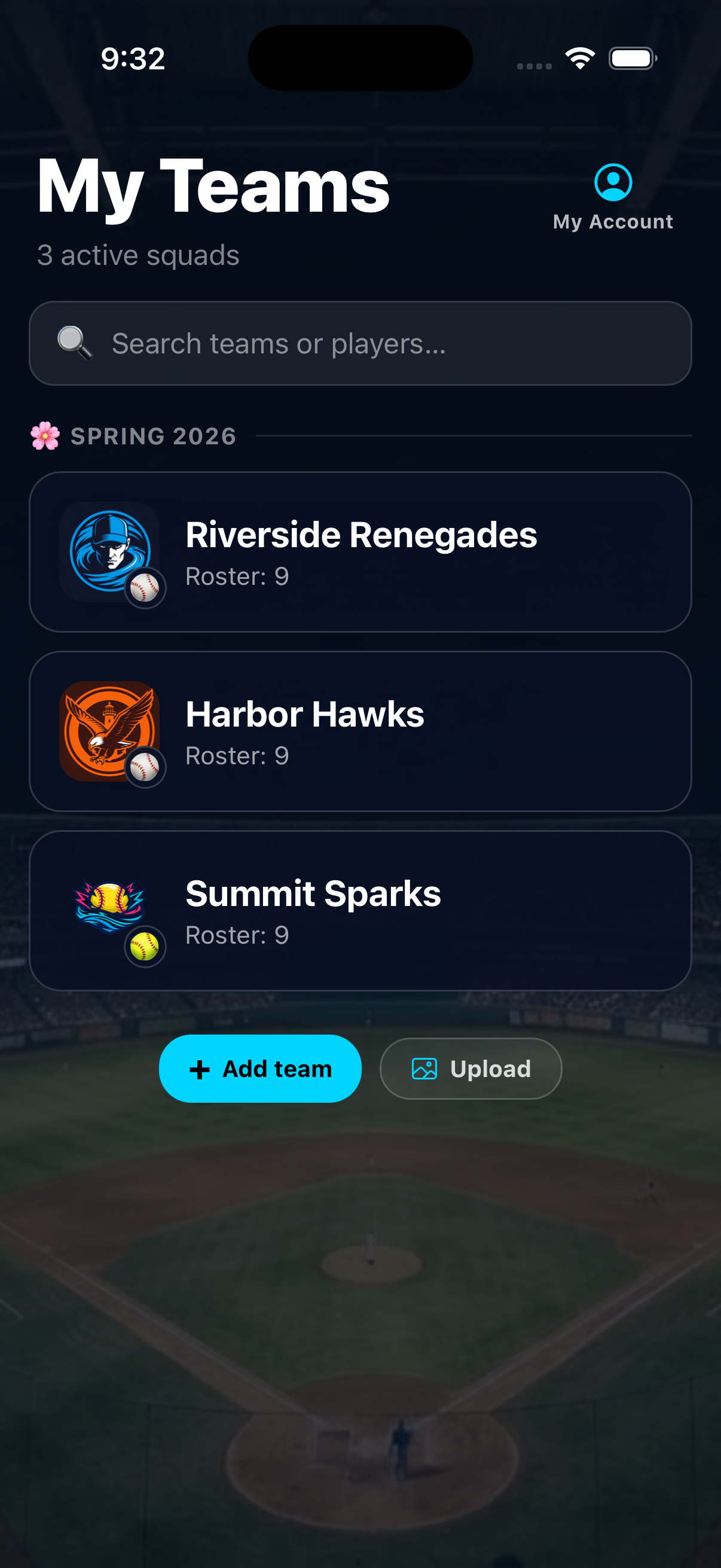
Every player stays organized.
Start a season and add the players you need for game day.
 On Deck
Youth sports walk-up music
Get
On Deck
Youth sports walk-up music
Get
How it works
Build your roster, set the music, and run game-day audio from one clean flow.
Every player stays organized.
Start a season and add the players you need for game day.
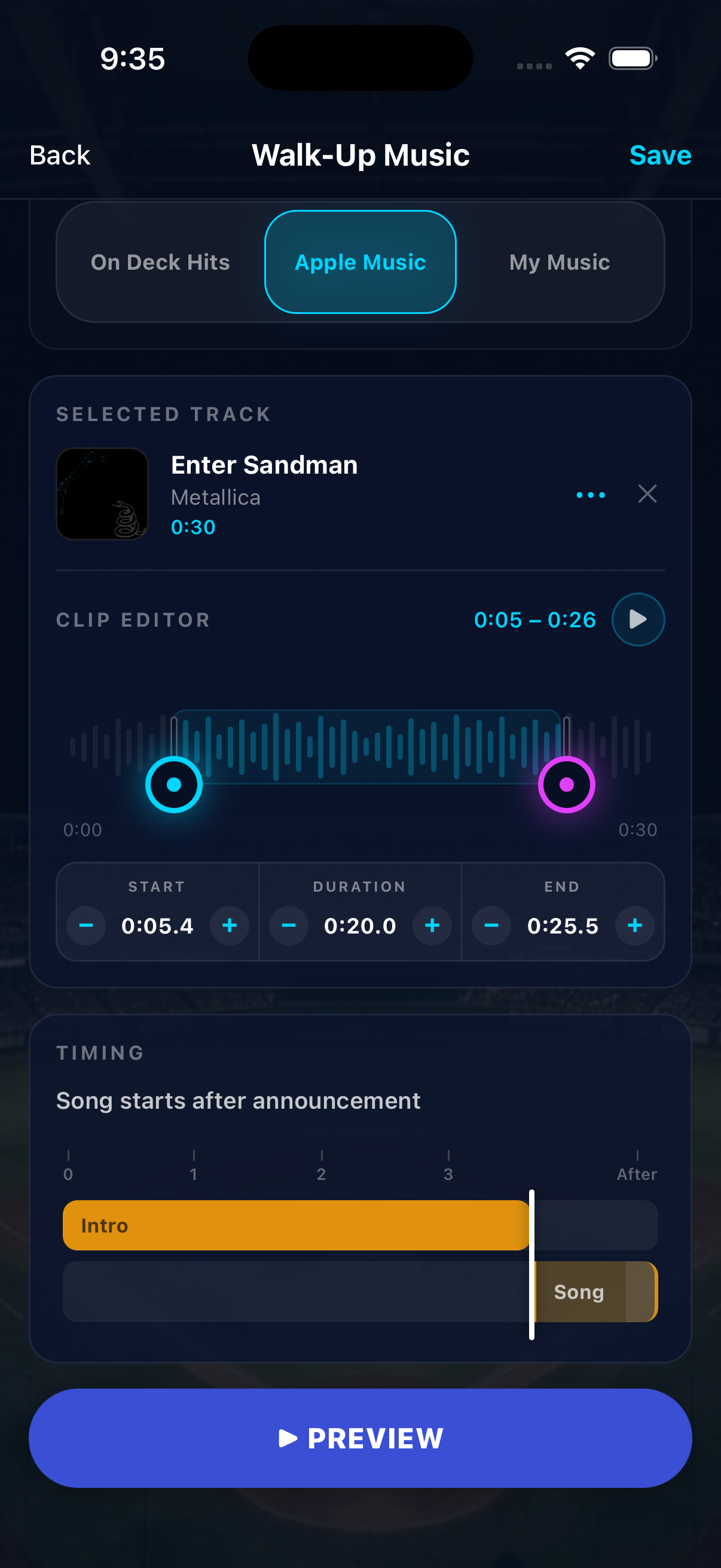
Music hits on cue.
Pick a song, then trim it so the best moment starts right away.
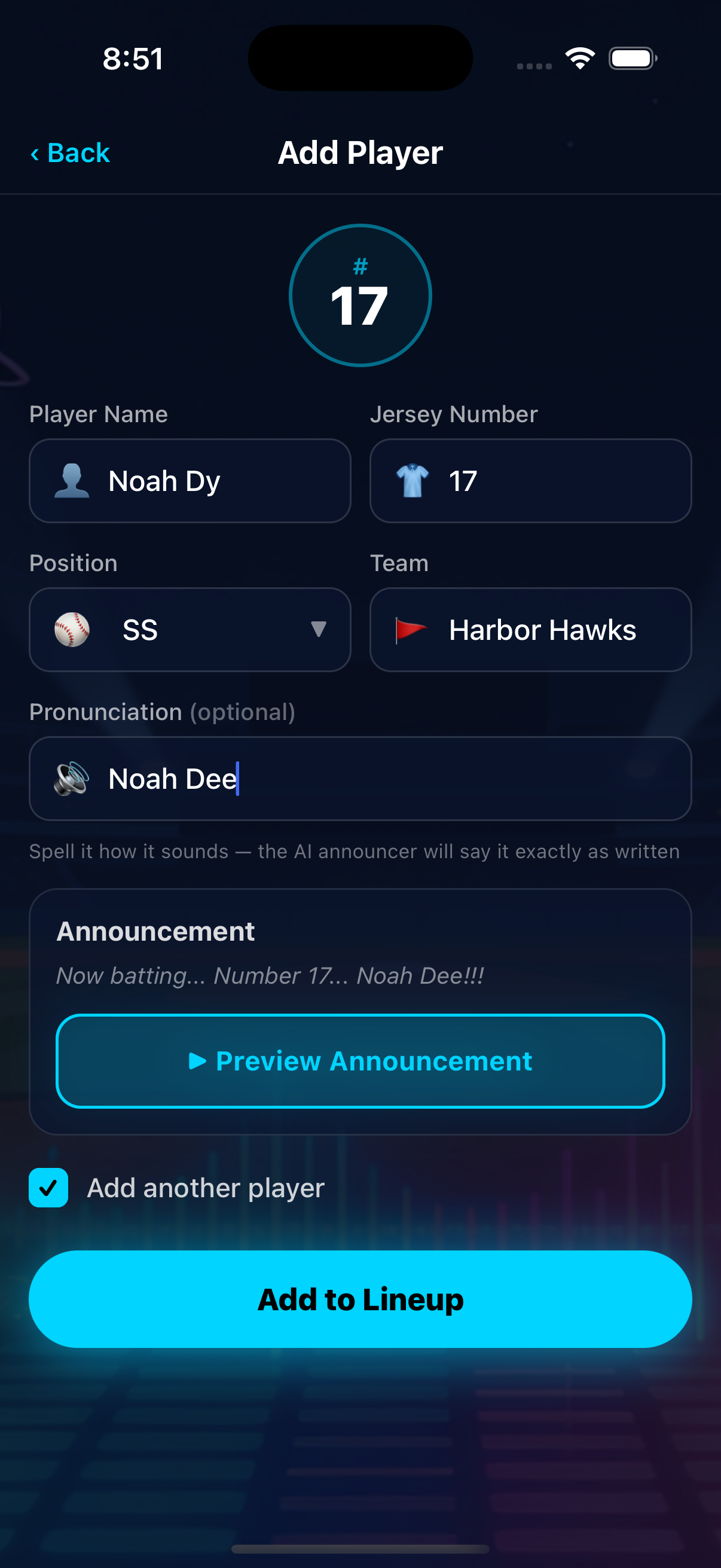
Names sound natural.
Use stadium-style announcements with templates and pronunciation help.
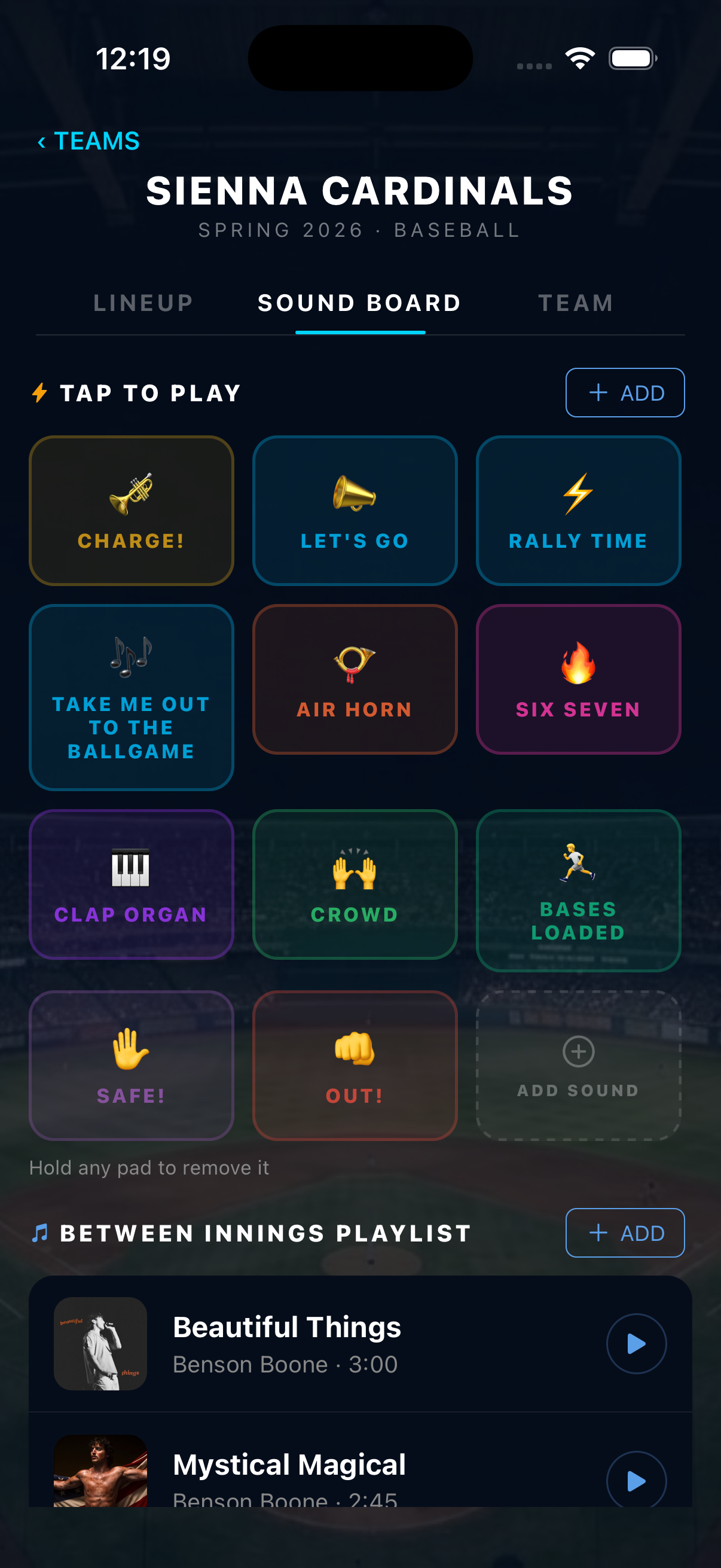
Keep energy between plays.
Queue hype tracks and tap sound effects whenever the moment needs it.
Available now
Build the roster, set the clips, and run intros before first pitch.